Core
Up to 100 staff
Small and mid-size teams
R20 / employee / mo
Example at 100 staff: R2,000 / mo
- Unlimited QR codes & sites
- Required selfie on every punch
- GPS geo-fencing
- CSV & PDF reports
- Manual overrides with notes
- Email notifications
Built for South African teams on site
Paper timesheets get lost. Spreadsheets get edited. Buddy punching gets expensive. ClockIt turns a QR scan, PIN, and required selfie into proof of hours — with GPS when you need it.
No credit card · From R20 / employee / month · Cancel anytime
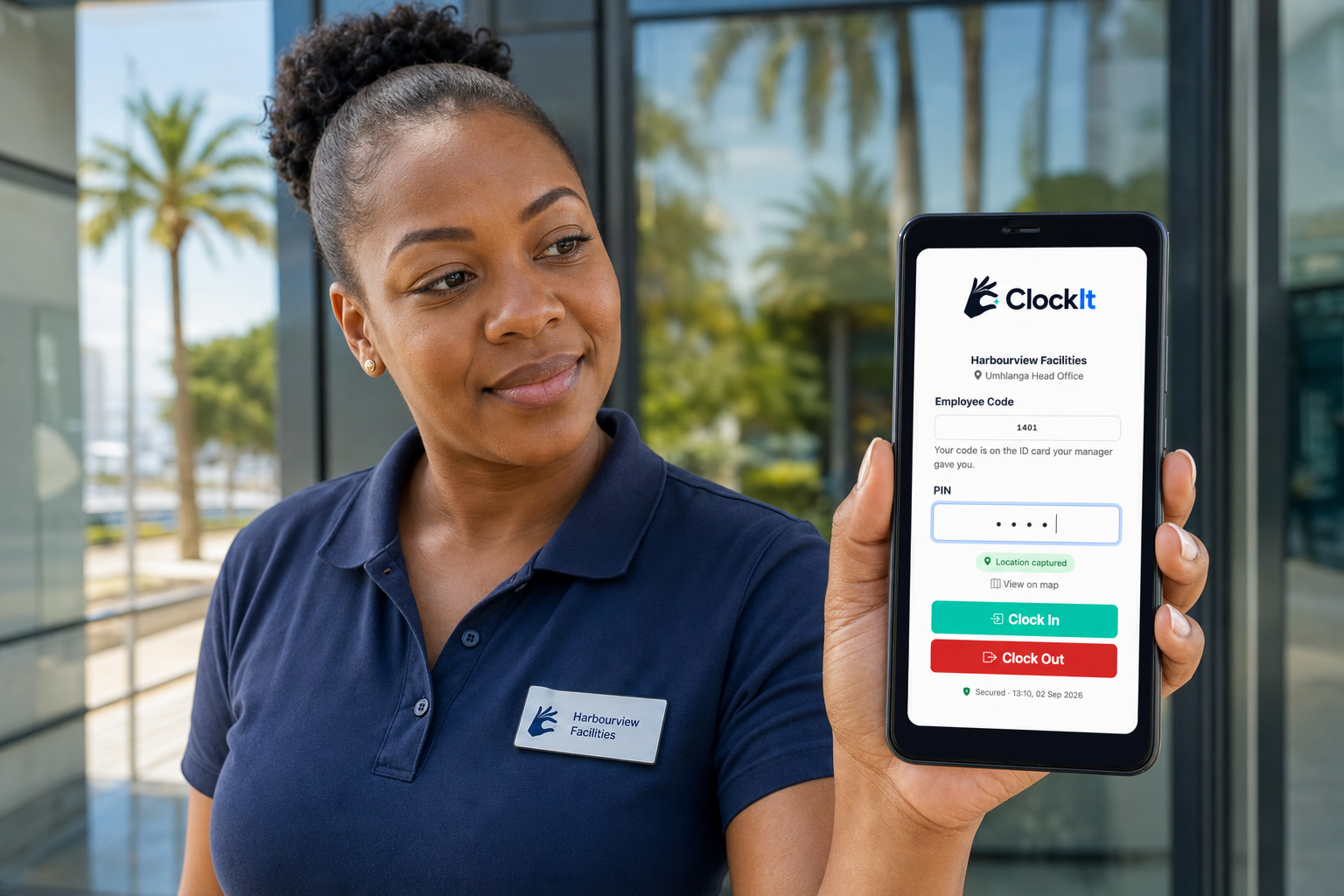
Scan at the gate → code + PIN + photo → clocked in. No app to install.
“Staff won’t install another app.”
Scan the QR. Enter a PIN. Take a photo. Done.
“Who actually showed up today?”
See who’s clocked in before the first coffee cools.
“Did they clock from site — or home?”
Geo-fence sites so the punch has to happen there.
“Payroll week is a scramble.”
Clean session reports — CSV & PDF when you need them.
Clock in
Apps don’t get installed. Paper gets faked.
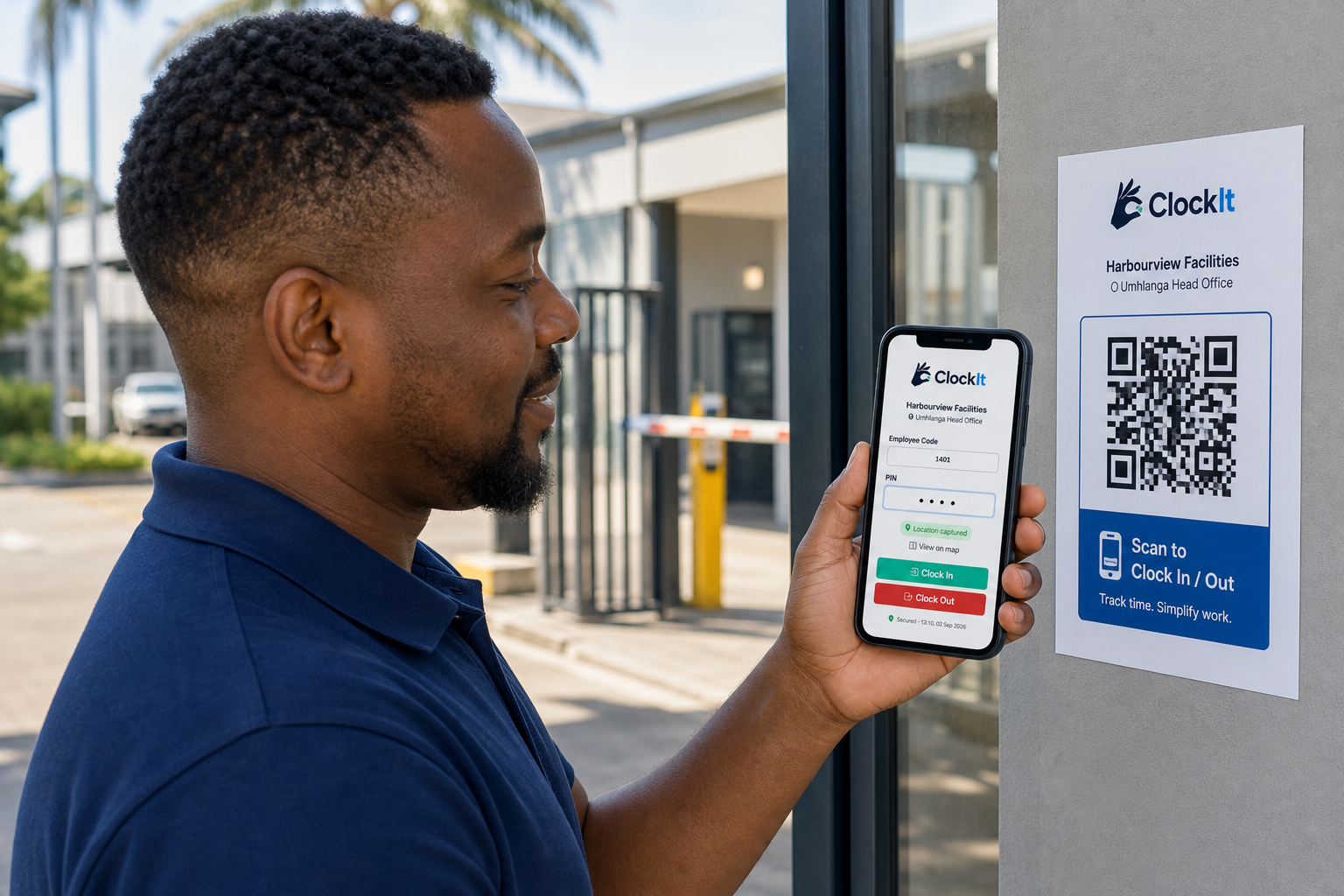
Staff open the QR with their phone camera — no App Store, no Play Store. They enter their employee code and PIN, take a required selfie, location is captured, and they clock in or out in seconds.
Access
Shared phones and low data kill app rollouts.
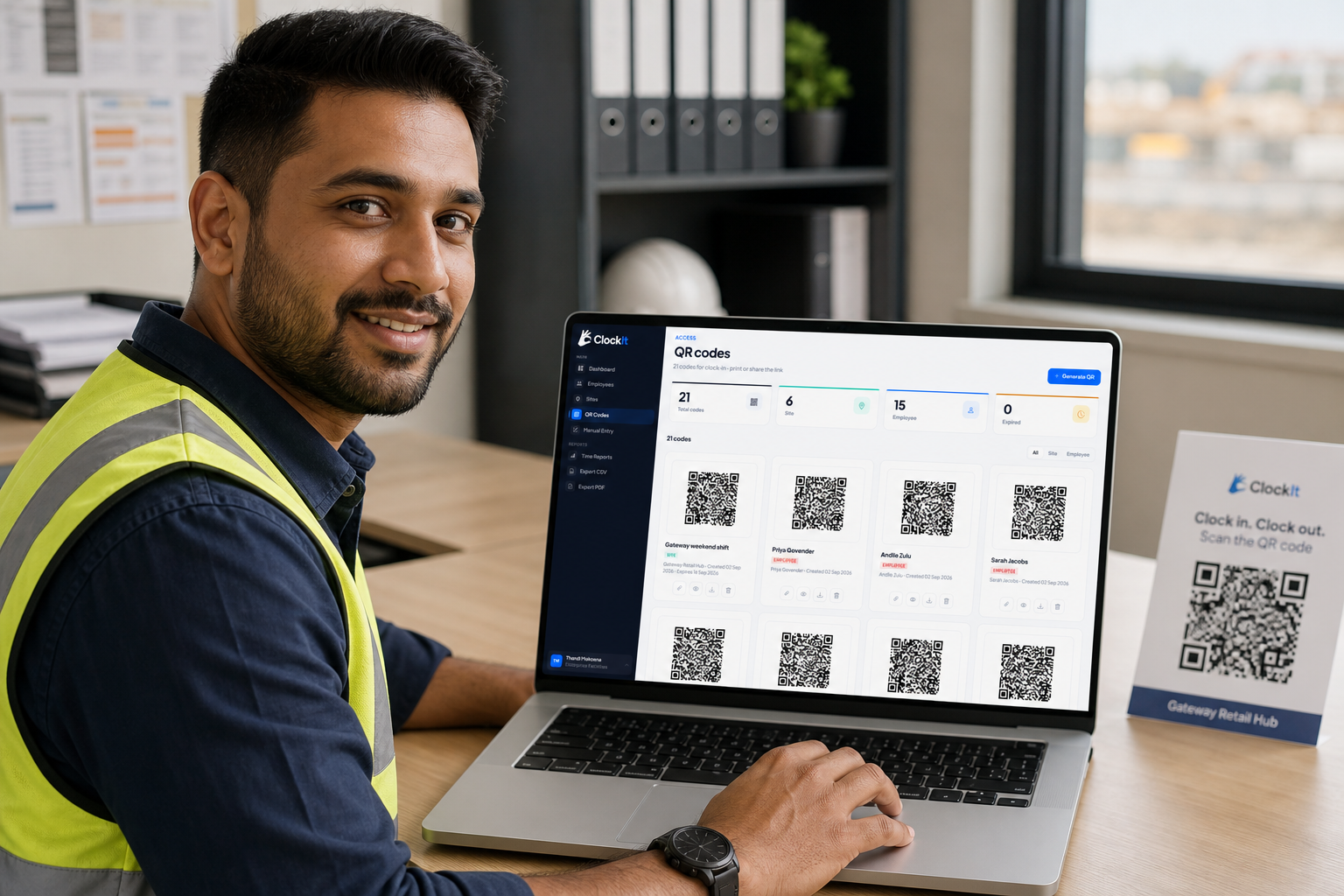
Generate site or employee QR codes, print them, or share the link. One poster at the entrance replaces hundreds of install reminders.
Locations
Multi-site teams clock from the wrong place — or the couch.
Add each site with an address and optional geo-fence. Staff clock against the right location, and you can see which sites are covered.

Team
Spreadsheet lists go stale. You don’t know who has a PIN.
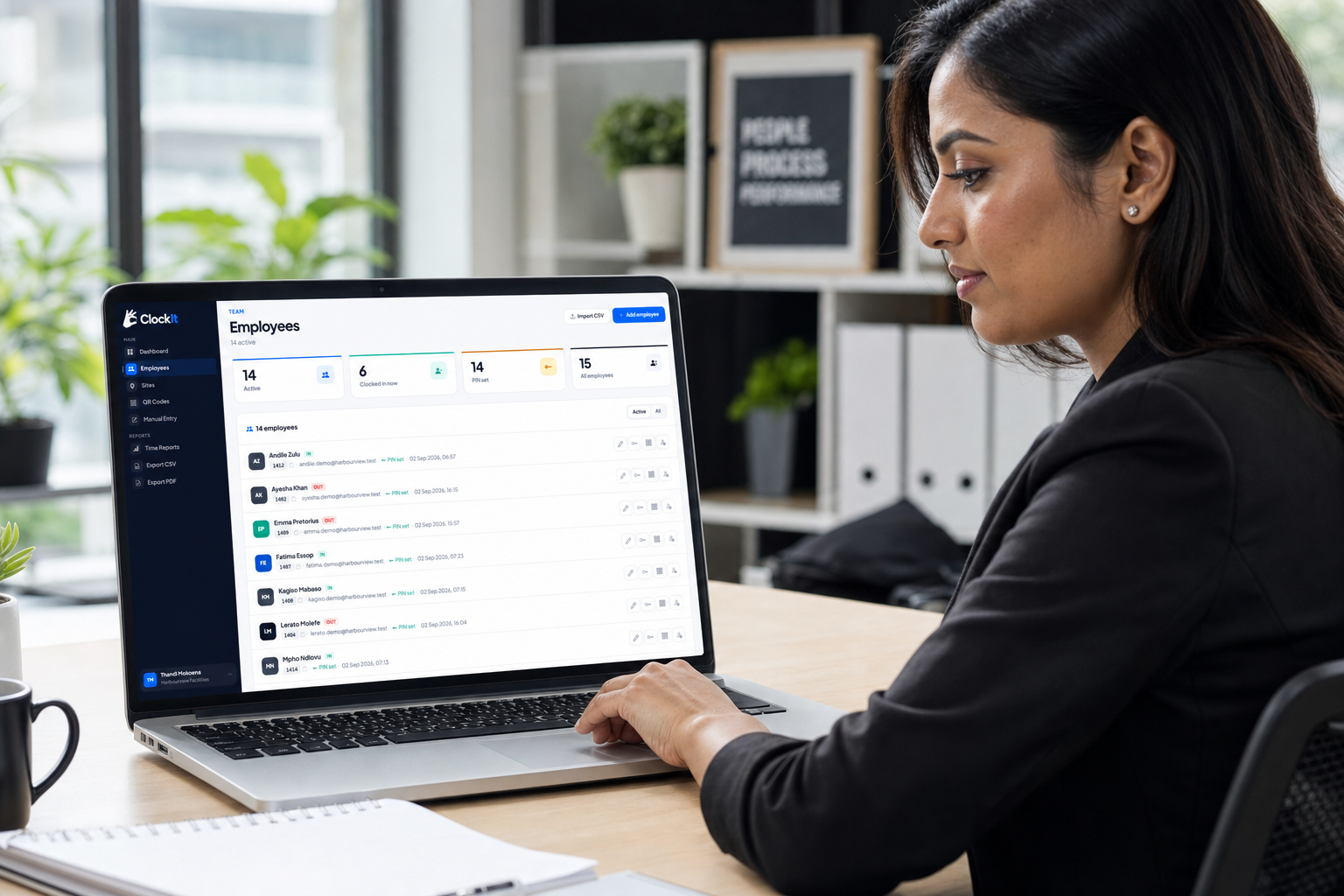
Add staff in seconds or import a CSV. See who’s on shift now, who’s missing a PIN, and open any profile when hours are questioned.
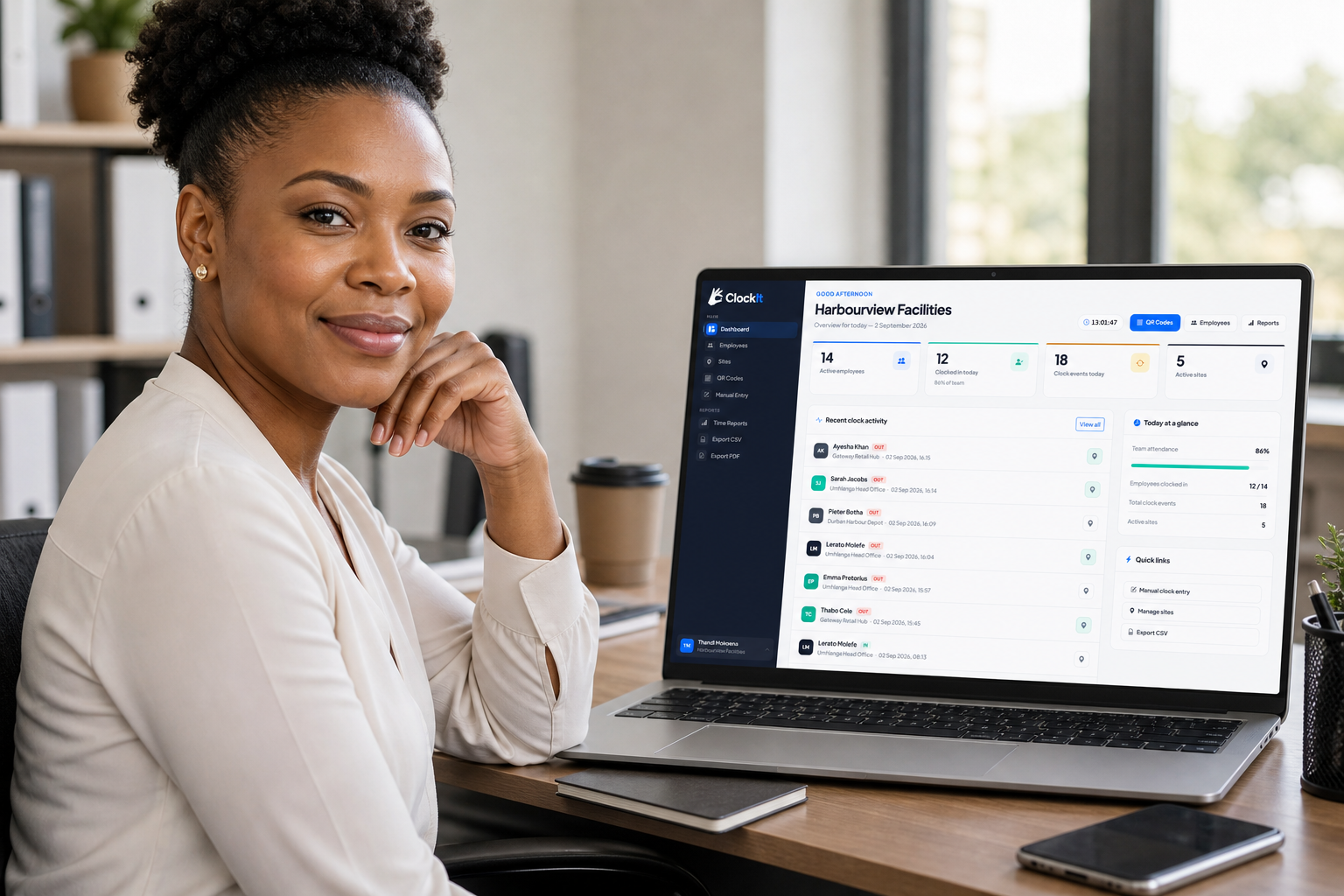
Live overview
You’re managing by WhatsApp screenshots and gut feel.
Who’s in. Who’s out. How many punches happened. Which sites are busy. Catch no-shows and late starts early — not at month-end.
Exceptions
Someone’s phone died. The poster got wet. Life happens.
Supervisors can add a clock-in or clock-out with a reason. Exceptions stay visible — so payroll isn’t guessing.

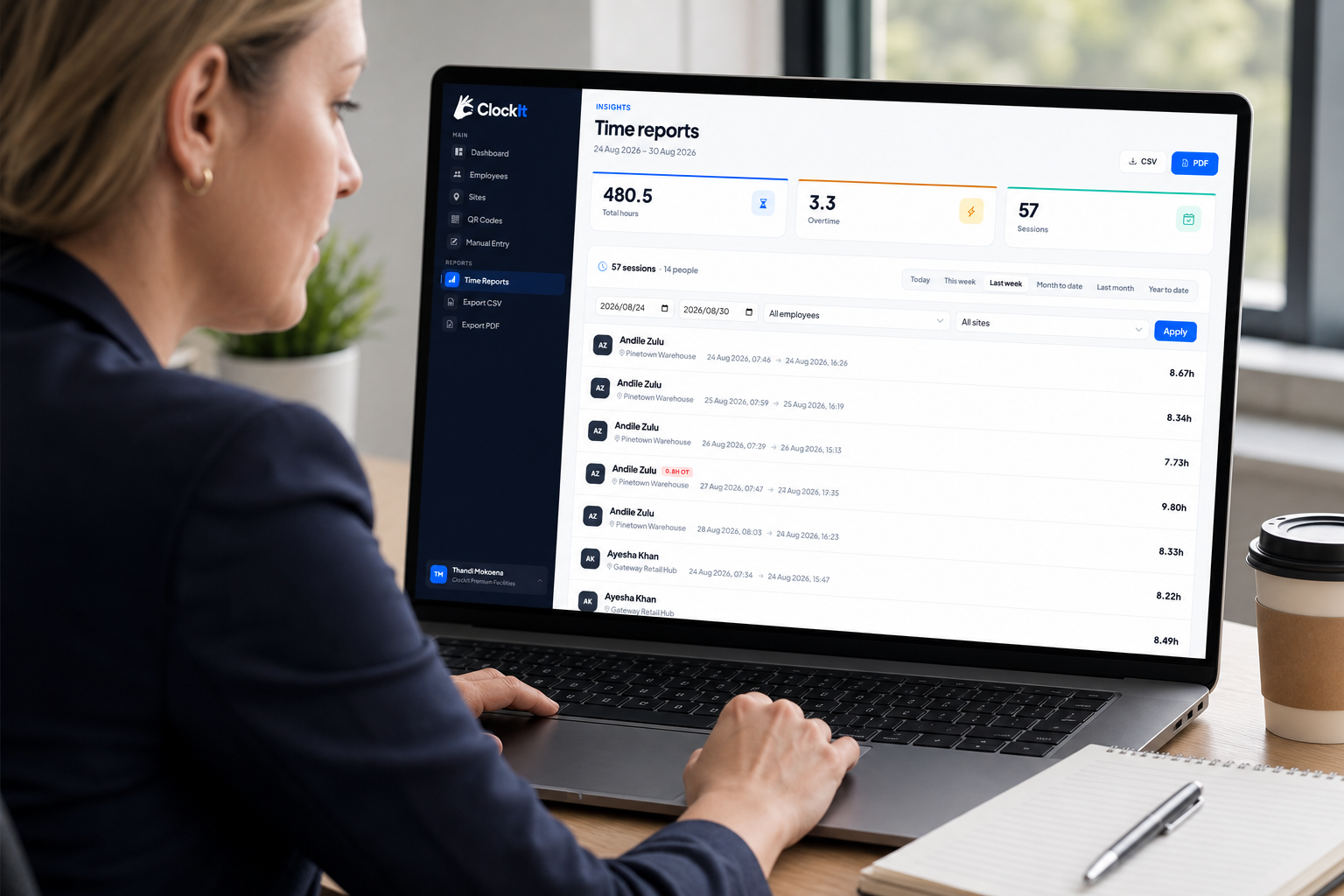
Insights
End of month means rebuilding hours from memory.
Pick a range, filter by employee or site, and see completed sessions with durations. Export CSV or PDF when finance needs a file.
How it works
No hardware lock-in. No app install campaign. Just QR codes and a dashboard.
Add workplaces, invite staff, generate QR codes for gates or individuals.
Phone camera → QR → code + PIN + required selfie → clocked in. GPS checked if you geo-fence.
Live dashboard all week. Clean CSV or PDF exports when payday hits.
Simple pricing
Pay only for active staff. Volume tiers drop the rate automatically as headcount rises. 30-day free trial — no credit card to start.
Up to 100 staff
Small and mid-size teams
Example at 100 staff: R2,000 / mo
101–500 staff
Larger multi-site operations
Example at 500 staff: R8,000 / mo
501–1,000 staff
High headcount workforces
Example at 1,000 staff: R13,000 / mo
2,000+ staff
National-scale staffing
Example at 2,000+ staff: from R20,000 / mo
FAQ
Set up in minutes. Staff clock without installing anything. You get hours you can defend.
No credit card · From R20 / employee / month · Cancel anytime